Import guide
Import site plan (DXF)
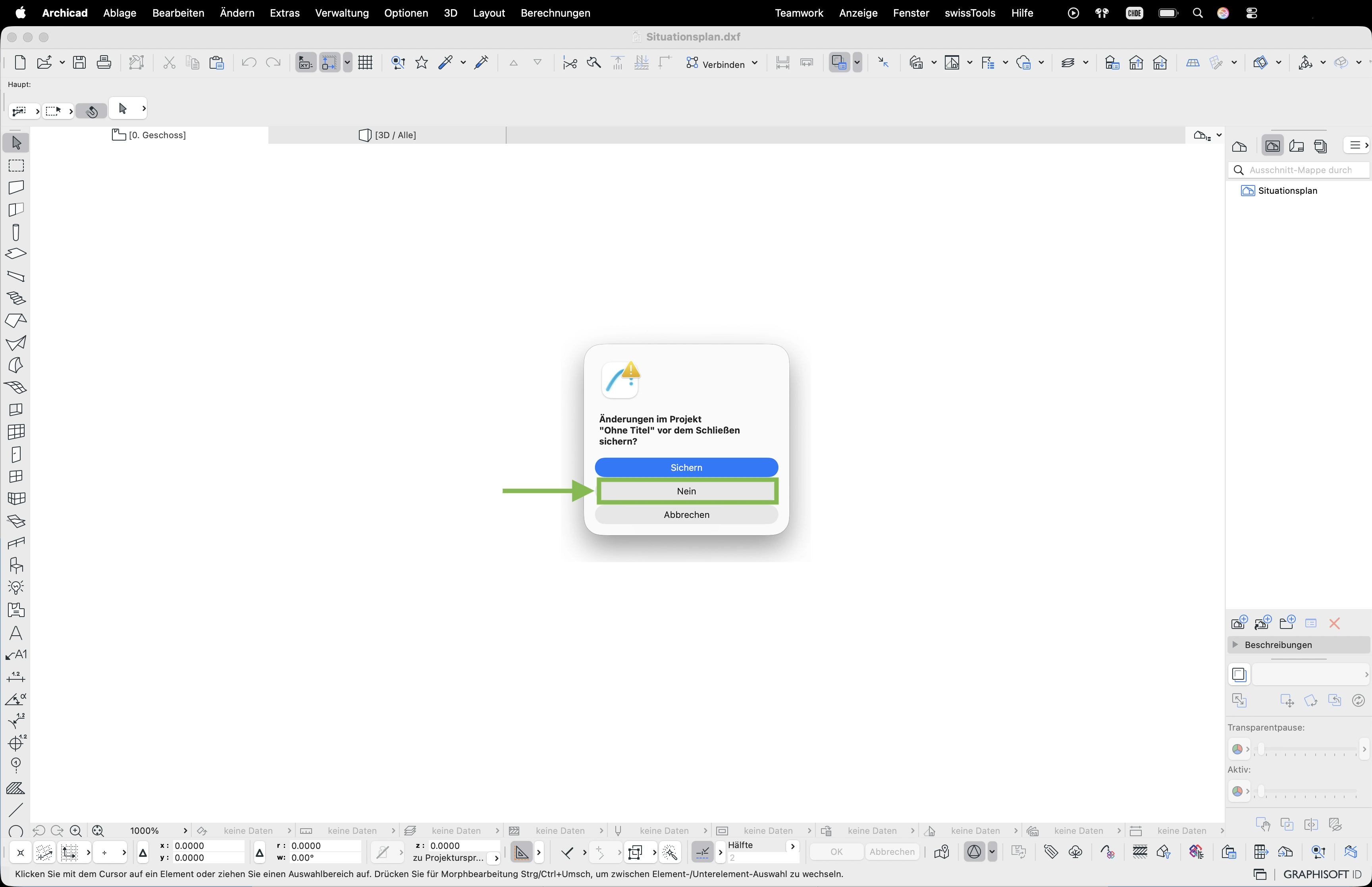
- Double-click the downloaded
.dxffile – ArchiCAD asks whether to save the current project. Confirm with Save or No. - In the «Partially Open DWG/DXF» dialog, select the desired layers and confirm with OK
- ArchiCAD reports hatch objects – click Continue with translation
- In the «DWG/DXF Import» dialog, leave the background and pen colours – click Don't change