Import guide
Import 3D buildings (CityGML)
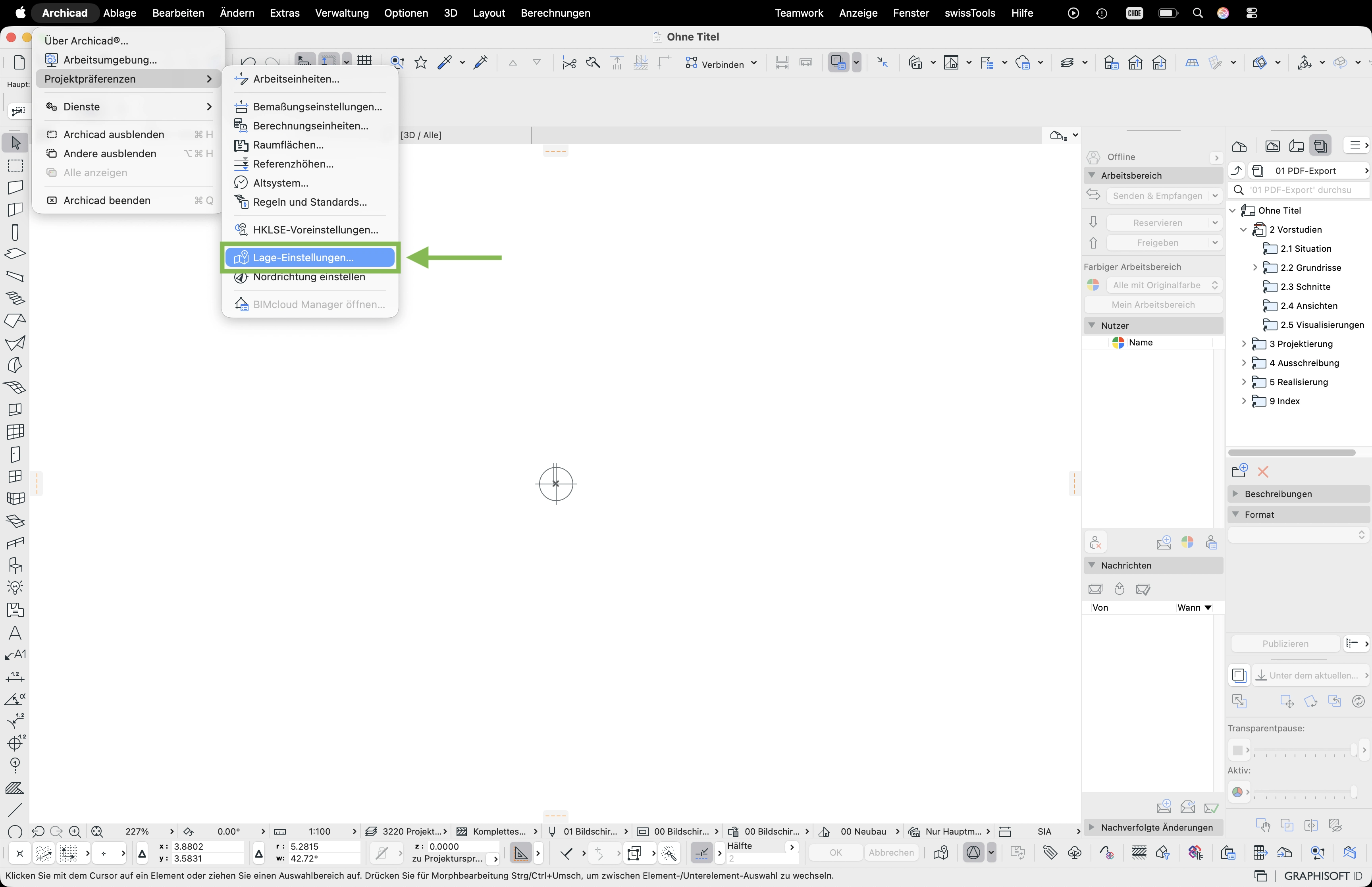
- Open File > Project Preferences > Location Settings
- Enter the national coordinates from the download package into the «East value» and «North value» fields – with a minus sign at the start. Confirm with OK.
- You'll find the coordinates and the elevation in the info sheet
00_INFO.pdfincluded in the download package – they're highlighted in green there. - In the menu select swissTools > Import > CityGML palette
- The CityGML palette appears in the toolbar – click the folder icon
- In the CityGML dialog click Load
- Select the
Gebaeude_3D.gmlfile from the download package and confirm with Open - In the import dialog enable Respect survey point and click Load
- The 3D buildings are imported and appear in the floor plan